
Is Corsair iCUE available for Linux?
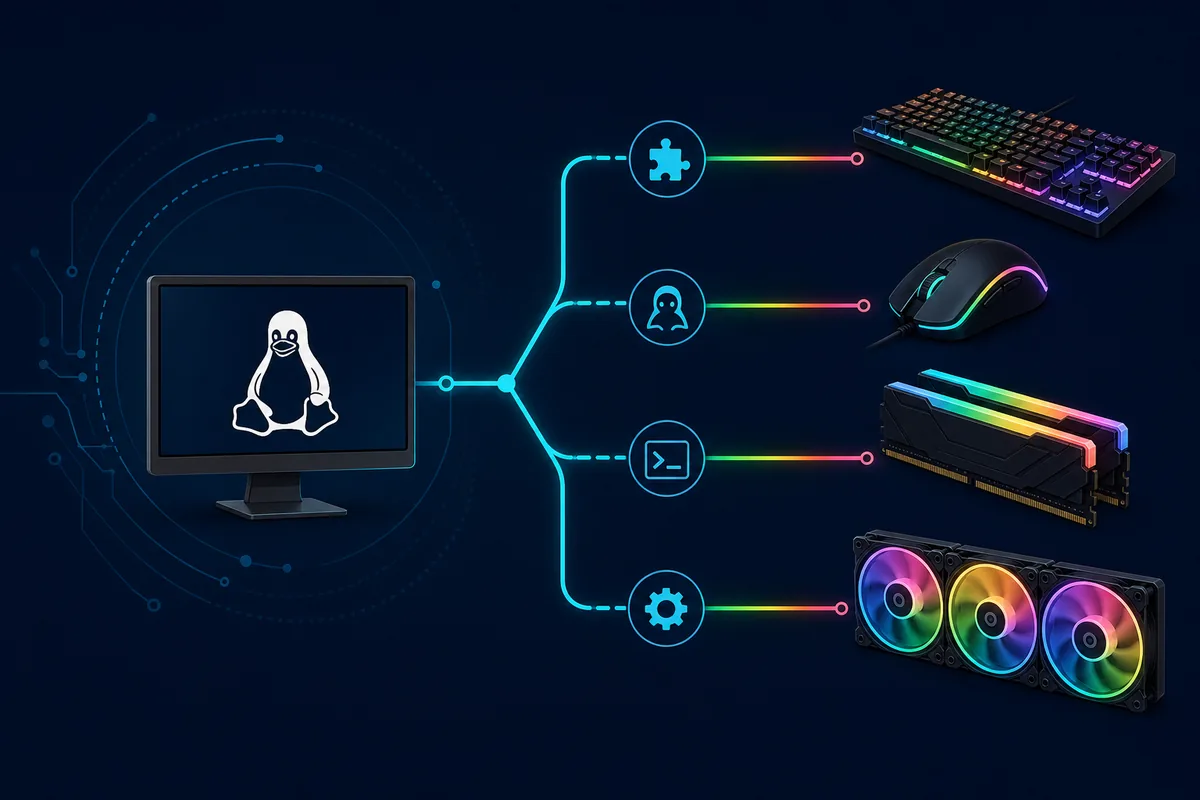
No official Corsair iCUE Linux download is available. Corsair's download and compatibility material currently directs iCUE users to Windows, while a macOS package supports a narrower device set. That means a Linux package using the iCUE name is not automatically a Corsair release. Verify the publisher, repository, license, supported-device list, and installation instructions before granting a utility access to USB or HID devices.
The absence of a Linux desktop app does not always leave a device unusable. Many keyboards, mice, memory modules, and controllers can retain a basic hardware profile saved from Windows. The exact result depends on onboard memory, firmware, and whether the feature is handled by the device itself or by the continuously running iCUE service. Advanced software layers, game integrations, sensor dashboards, device updates, and application triggers usually require the supported iCUE environment.
| Need | Linux expectation | Best route |
|---|---|---|
| Basic saved lighting | May persist on supported hardware | Save Device Memory Mode in Windows first |
| Keyboard or mouse remapping | Model-dependent | Check ckb-next support |
| Multi-brand RGB control | Possible for listed devices | Check OpenRGB support and warnings |
| Cooling, sensors, and iCUE LINK | Often partial or unsupported | Verify OpenLinkHub or keep a supported OS |
| Firmware updates | Do not assume community support | Use Corsair's supported update path |
Save a hardware profile before moving to Linux
If you still have access to Windows, configure a conservative hardware profile before changing operating systems. Open the device in iCUE, enable Device Memory Mode where available, choose a simple lighting effect, save essential key or button assignments, and confirm the result after iCUE is fully closed. This test separates settings stored in the device from effects that exist only while the desktop software is running.
Keep the fallback simple. Static color, basic brightness, a standard fan curve stored on a compatible controller, or a small set of hardware assignments is easier to verify than multiple software layers. Export important iCUE profiles as a backup, but remember that an exported iCUE profile is not the same as a Linux-compatible configuration file. Community tools generally use their own formats.
- 1
Update safely
Use the current official iCUE release and complete required device firmware updates on a supported system.
- 2
Enable device memory
Save a simple hardware effect or assignment only when the device exposes that feature.
- 3
Close iCUE completely
Confirm the setting survives after the app and its active software layer are no longer controlling the device.
- 4
Record the model and firmware
Use the exact product identifier when checking a Linux project's support list.
- 5
Keep a recovery path
Retain Windows access or another supported system for firmware recovery and profile maintenance.
Choose between ckb-next, OpenRGB, and OpenLinkHub
ckb-next is a Linux-focused driver and configuration project for selected Corsair keyboards, mice, and related peripherals. It is usually the most relevant starting point when the task is remapping keys, changing DPI, or controlling lighting on a device listed by that project. Check the supported hardware and known issues before installation because two products with similar retail names may use different USB identifiers or firmware behavior.
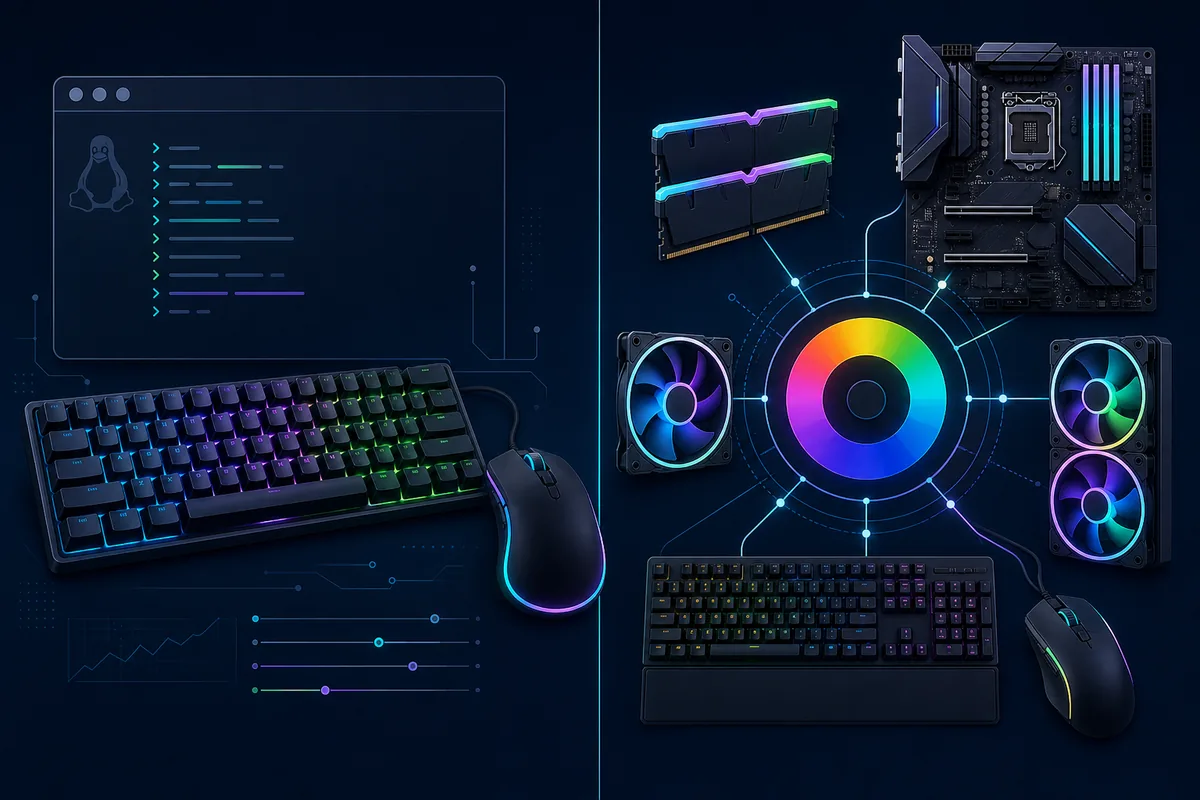
OpenRGB targets RGB control across many vendors. It may be a better fit when the goal is one lighting layer for a mixed-brand desktop, but broad hardware access also requires caution. Read its device list and project warnings, avoid running several RGB controllers at the same time, and test one device group before enabling automatic startup. OpenLinkHub focuses on selected Corsair controllers and iCUE LINK devices, making it relevant to some cooling and fan setups, but it is not a drop-in replacement for every iCUE module.
| Option | Best fit | Check before installing |
|---|---|---|
| ckb-next | Supported Corsair keyboards and mice | Exact model, distro package, daemon permissions |
| OpenRGB | Cross-brand lighting | Device list, project warnings, competing services |
| OpenLinkHub | Selected Corsair controllers and iCUE LINK hardware | Controller support, sensor and fan-control limits |
| Dual boot or Windows VM | Official profile and firmware tasks | USB passthrough and recovery access |
| Hardware-only profile | Simple stable fallback | Onboard-memory feature and saved-state limits |
What OpenRGB can and cannot replace
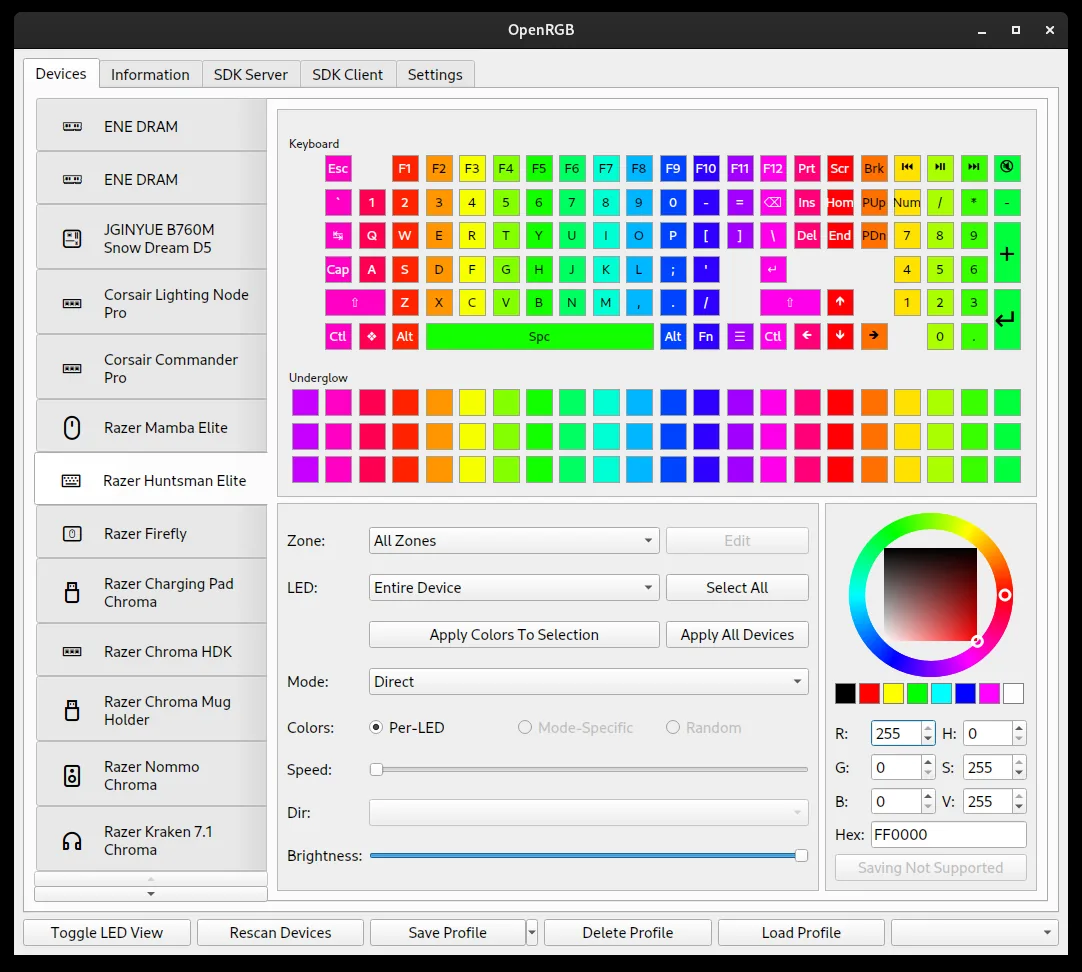
OpenRGB can expose lighting controls for compatible devices without requiring each vendor's Windows application. The interface groups detected hardware and lets the user choose supported modes and colors. Detection alone does not guarantee full feature parity: a keyboard may expose LEDs but not macros, a controller may expose lighting but not every temperature sensor, and a device firmware updater may remain unavailable.
Treat the supported-device list as the starting point, not a promise for every firmware revision. Stop if a project warns that a specific controller or access method can cause instability. Back up working configurations, avoid experimental firmware, and do not run OpenRGB alongside another service that is writing to the same hardware. If a device disappears after a kernel, firmware, or project update, gather the USB identifier and logs before changing permissions broadly.
Never flash guessed firmware or apply an unrelated device profile to make a model appear supported. Lighting convenience is not worth risking a controller, keyboard, memory module, or cooling device.
Troubleshoot a Corsair device that Linux cannot see
Start with identification rather than repeated reinstalls. Confirm that the device appears on USB, note its vendor and product identifiers, and compare them with the project's current support data. Test a direct motherboard port when possible, remove an unnecessary hub, and check whether the device is in hardware mode. A device that works as a standard keyboard or mouse but lacks RGB control may be functioning normally through the generic HID driver while its vendor-specific interface remains unsupported.
Permissions are a common second step, but avoid granting broad permanent access without understanding the project's udev rules. Install rules from the project's documented package or repository, reload them as instructed, then reconnect the device. Review logs for access errors and conflicts. If two daemons claim the same interface, stop one and test again. For cooling equipment, maintain a safe firmware-level or hardware-stored fan behavior before experimenting with user-space control.
- Use the exact USB ID, not only the marketing name.
- Check the project's supported-device and issue pages.
- Install only documented udev rules from the trusted project source.
- Run one RGB or peripheral-control service during testing.
- Keep firmware updates and recovery on a supported operating system.
Version freshness and verified sources
This site is download-focused, so the iCUE version was checked before this guide was published. Corsair's official release notes identify iCUE 5.49.34 as the current Windows release dated August 5, 2026. On August 7, 2026, Corsair's stable web-installer URL returned HTTP 200 with MIME type application/octet-stream, 3,392,176 bytes, and the same SHA-256 already recorded by this site. The small bootstrap file reports product version 1.22.14 because it downloads modular components during setup.
No Linux iCUE download CTA is provided because Corsair does not publish one. The page links to official Corsair compatibility and release information, then to the public repositories for community alternatives. Community links are offered for evaluation, not as a safety guarantee or an official endorsement. Read each project's release notes, packaging instructions, license, and support list before installing it.
iCUE Linux FAQ
Can I download Corsair iCUE for Linux?
Corsair does not currently publish an official iCUE Linux package. Use supported Windows or macOS builds for official iCUE tasks and evaluate community projects separately.
Does iCUE work through Wine?
The desktop application may start in some Wine configurations, but direct USB, service, driver, firmware, and device-module access is not a dependable supported path. Do not rely on Wine for firmware updates.
What is the best iCUE alternative for Ubuntu?
There is no universal replacement. ckb-next is often the first check for listed Corsair keyboards and mice, OpenRGB for multi-brand lighting, and OpenLinkHub for selected controllers and iCUE LINK hardware.
Will my RGB settings remain when I boot Linux?
A supported device may retain a simple hardware-saved effect or assignment. Software-only layers, integrations, and sensor-driven effects normally do not persist without the controlling application.
Can a Linux tool update Corsair firmware?
Do not assume it can. Use Corsair's supported firmware workflow unless the exact community project and device documentation explicitly establish a safe, tested method.